How NerrieBuilder works.
From idea to a real website or webshop, chapter by chapter. No technical skills needed: you walk the adventure below and try everything yourself.
What is NerrieBuilder?
NerrieBuilder is an online builder that turns your description into a complete website or webshop. You tell in plain language what you do; the AI builds a first version. Then you refine in a studio that handles everything for you, from texts and design to SEO.
The adventure: from idea to live.
Ten chapters, each with a truly usable example. Click, type and build along; next to every scene you read how that part works and what you can do with it.
Describe your business
You tell in plain language what you do, for whom, and where. No forms, no settings: a few sentences are enough to begin.
- Pick an example business or type your own story
- Dutch or English, both fine
- Everything you say now can still be changed later
What is the minimum I need to tell?
Your name, what you do and for whom. A place or a few products help, but the AI asks when something is missing.
Do I need photos or texts already?
No. The first version gets fitting texts and image slots; you add your own photos and texts in the studio afterwards.
Can I take over my existing website?
Yes. Paste the live URL via the globe button in the chat and tick "Take over exactly": pages, styling and images are copied 1:1 into your project, without AI. If you want a fresh design in the same style, leave the box unticked.
Who is it for?
Never start from a blank screen
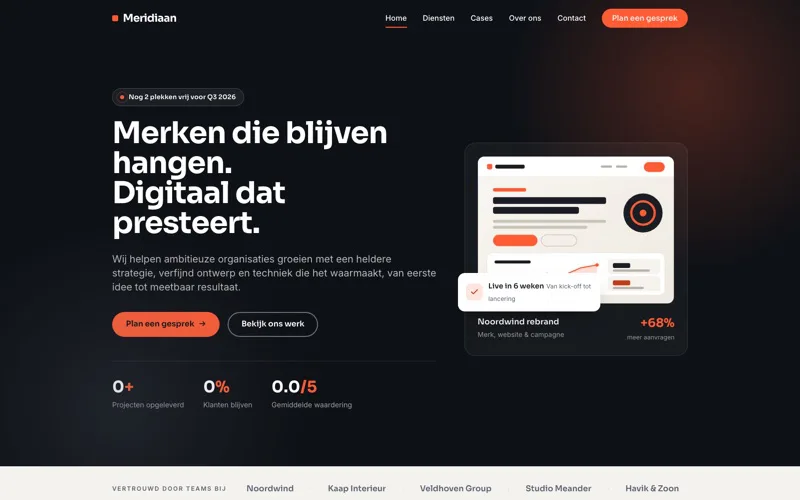
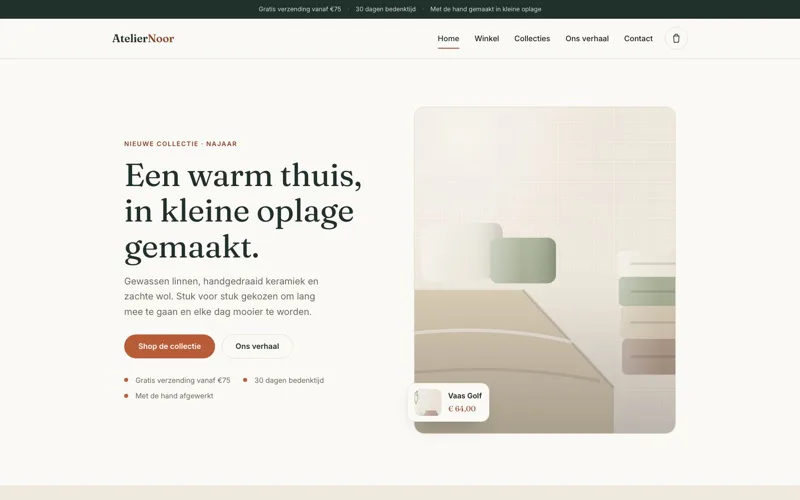
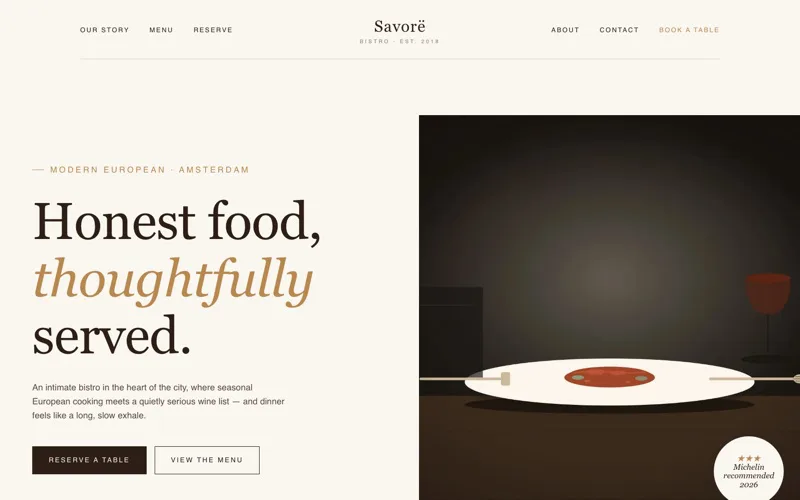
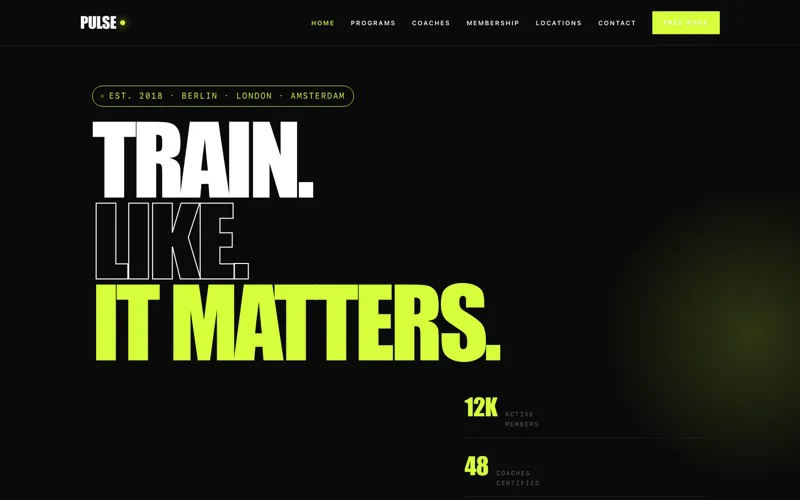
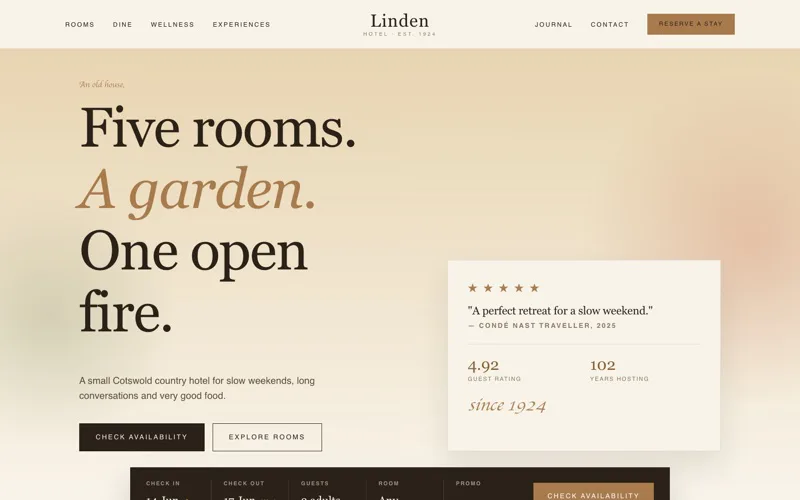
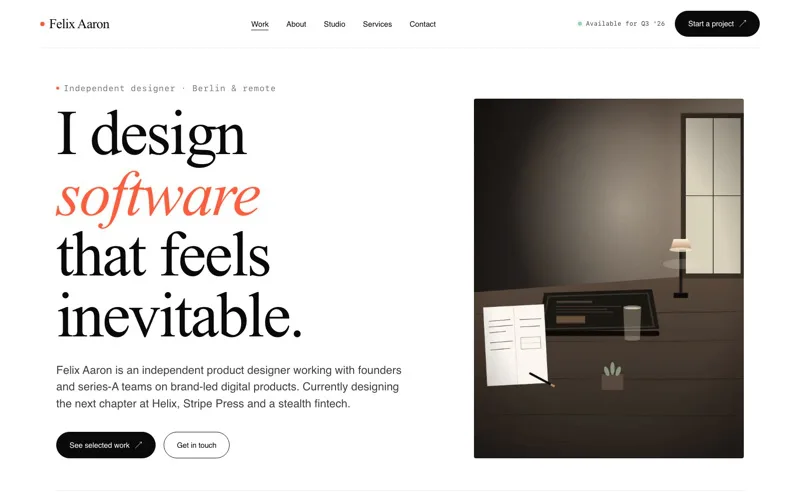
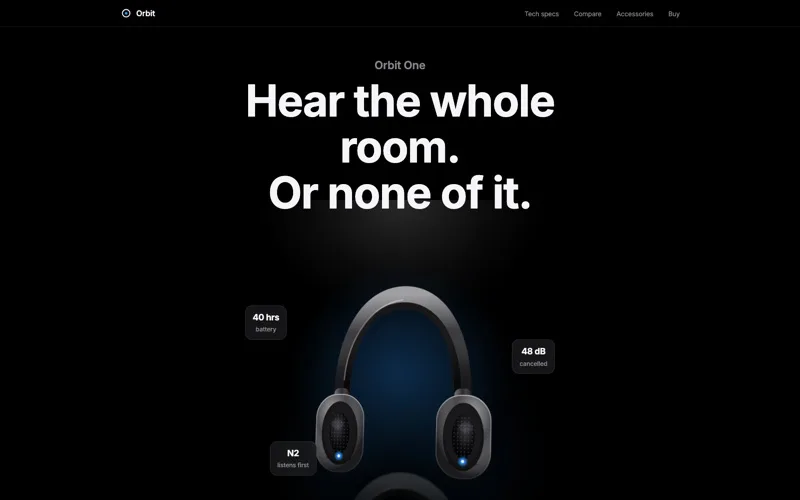
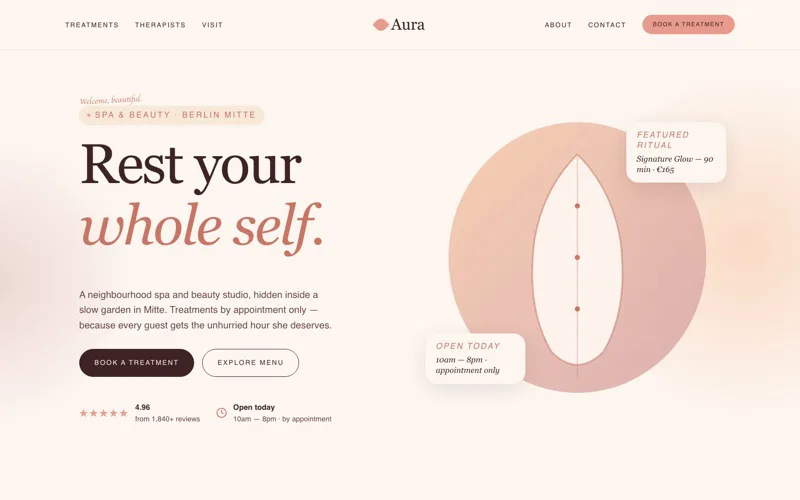
Prefer not to start from scratch? Pick a ready-made site as your base and make it entirely yours: your own texts, colours, photos and products. The templates are part of Enterprise.
Also see everything you can build: from quote generator to your own customer management.
Answers to all your questions
Search by word or browse per chapter. Is your question missing? Feel free to email us.
General
Do I need technical skills?
No. You describe your business in plain language and the AI builds your site. You refine by saying what should change.
How fast am I live?
Your first version is there in minutes. Publishing is one click, and you connect your own domain from your dashboard.
Do I have to start from a blank screen?
No. You start from a description or from a ready-made template that you then make entirely yours.
What does it cost?
You start free, no credit card. After that you pick a plan that fits how big you want to grow; prices are on the plans page.
Is NerrieBuilder available in English?
Yes. The platform, the studio and your site are bilingual by default: Dutch and English.
Can I build several websites?
Starter is for one website. Enterprise gives room for five projects, expandable with extra slots.
Is my site secure?
Every site runs over a secure connection, and on Enterprise automatic security scans run along.
Describe your business
What is the minimum I need to tell?
Your name, what you do and for whom. A place or a few products help, but the AI asks when something is missing.
Do I need photos or texts already?
No. The first version gets fitting texts and image slots; you add your own photos and texts in the studio afterwards.
Can I take over my existing website?
Yes. Paste the live URL via the globe button in the chat and tick "Take over exactly": pages, styling and images are copied 1:1 into your project, without AI. If you want a fresh design in the same style, leave the box unticked.
The AI builds your first version
How long does building take?
A few minutes. You watch the pages appear and can refine right away.
Are the texts and the design mine?
Yes. Everything that is built is yours, free to edit and always exportable.
Refine in the studio
What if I break something?
Every change is in the versions. You restore an earlier version with one click, without losing your data.
Can I simply type texts myself?
Yes. Next to the chat there is an editor where you edit texts and blocks directly.
Design and brand
Can I fully change a template later?
Yes. A template is a starting point: you replace texts, colours, photos, pages and products with your own.
Can I use my existing brand identity?
Yes. Put your colours, fonts and logo in Branding; every page and every button adopts them.
Webshop and payments
Which payment methods can I offer?
iDEAL and cards, plus the other methods you enable in Mollie. The money goes straight to your account.
How do I know there is an order?
You get an email and the order appears with its status in your studio overview.
Forms and data
Where do submitted forms go?
In the data overview of your studio, and as an alert in your email. You can search and export them.
Can I export my data?
Yes, as CSV and together with your site in a static export. Your data is yours.
Getting found
Do I have to set up SEO myself?
The basics are there at once. The audit shows what can improve and you adjust it with a sentence in the studio.
Do I see how many visitors I get?
Yes, in your statistics: visitors, pages and sources, without cookies and without a banner.
Publish on your own domain
Can I use my existing domain?
Yes. On Enterprise you connect it from your dashboard; you get exactly the settings to enter at your domain provider.
What if I publish something wrong?
You restore an earlier version and publish again. Visitors never see a half-built page.
Growing with your site
Can I work together with colleagues?
Yes. On Enterprise you invite team members and work in workspaces, each with its own rights.
What are connections?
Links to services you already use, such as your payment provider or your newsletter, without installing plugins.
Can I push my site to GitHub?
Yes. The GitHub connection pushes your published site to a repository, ready for GitHub Pages or your own deploy. Only your site files travel, never studio data.
Plans and ownership
What happens if I stop?
You export your site and your data and take them with you. There is no lock-in and nothing stays behind.
Am I tied to anything?
No. Your plan can be cancelled monthly and you manage it yourself in your dashboard.
No answer found. Feel free to email us, we usually reply within a working day. info@nerrieserver.nl
Ready for step one?
Describe your business and see what comes out. Free, no credit card, and you are not tied to anything.